Can you change a QR code after it is printed?
Find out whether a code already in print can point somewhere new, which parts of it are fixed in ink, and how to test an edit with the camera your customers use.
By Micheal Allison
6 min read
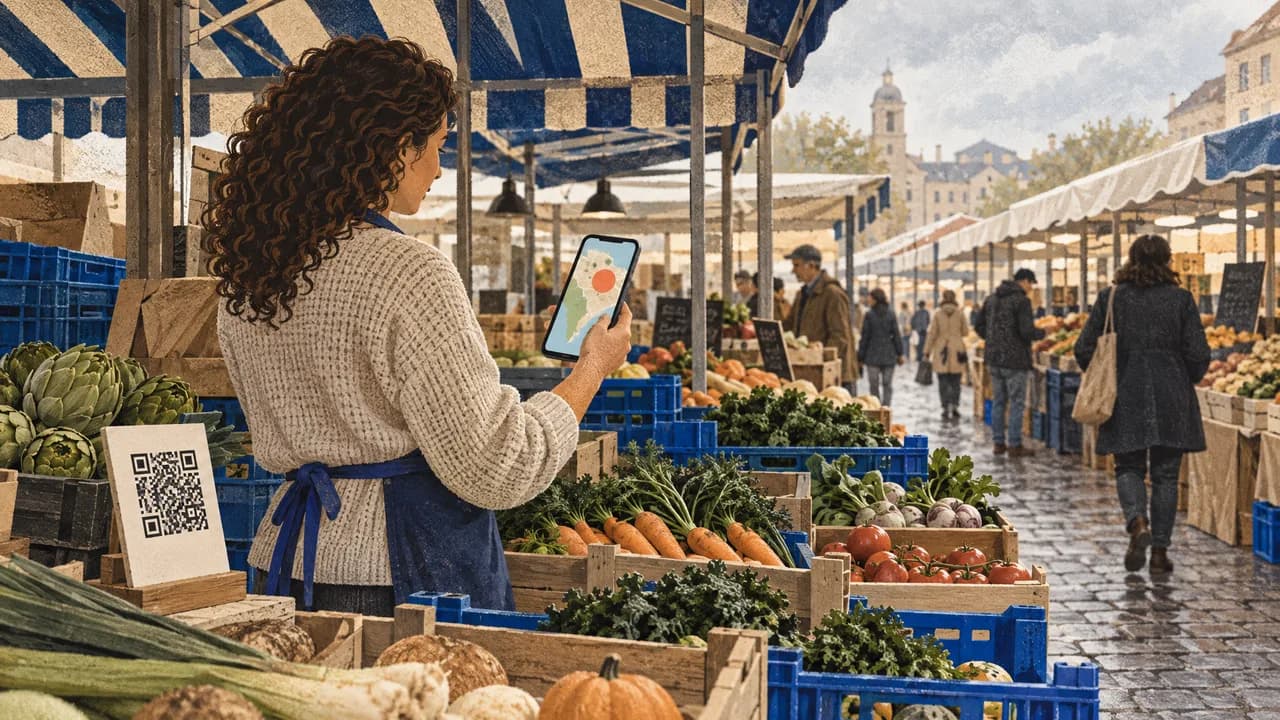
Yes, you can change where a printed QR code leads, but only if it is a dynamic code whose printed pattern points to a redirect you control. A static code carries its final destination in the ink and cannot be changed. Every edit happens on the server, so the scanning app doesn't matter. The phone's built-in camera reads the same pattern any app does, with fewer steps between the reader and the link. Make it the first tool for your customers and for your own testing.
What a Phone Camera Reads When It Scans a Printed Code
A scanner decodes the black and white modules into a string of data, then hands that string to the phone. With a static code, the string is the final URL. That URL is fixed the moment the code is printed.
With a dynamic code, the string is a short redirect link. When someone scans it, the phone opens that link and the redirect sends them to whatever destination is currently set. Change the destination and the next scan lands on the new page. Nothing changes on the poster, in the reader's phone or in any app.
The limit on this flexibility is easy to miss. The data inside the pattern is permanent, and so are the physical traits of the print: its size, contrast, quiet margin and damage tolerance. A dynamic code saves you from changing a menu link. It can't save a code printed too small for its viewing distance. Those are the print mistakes that drag down scan rates, and every one of them still means a reprint. The broader trade-offs between static and dynamic codes follow from this split between data in the ink and data on the server.
Changing a Printed Code Without Reprinting It
- Scan the printed code with your phone's native camera and read the link preview. If it shows the final page address itself, the code is most likely static and the destination is locked. A dynamic code on a custom domain can look like your own address, so check whether the code is listed in your QR platform's dashboard.
- If the preview shows a redirect link, open the platform that created the code and replace the destination URL.
- Load the new destination on a phone first to check that it renders, loads quickly and needs no login a stranger wouldn't have.
- Rescan the physical print with the built-in camera on more than one phone model. Don't scan the image on your monitor.
- Install a dedicated scanner app only if the native camera fails. If the app also fails, look at the print first. If the app succeeds, check that phone's camera settings, such as whether QR scanning is switched on, before blaming the code.
- Check scan data over the following days to confirm traffic is reaching the new page and not an old bookmark.
Step five is where we disagree with the habit of telling customers to "download a scanner." An app adds an install, permissions and, in many cases, an ad layer between a customer and your link. The native camera removes all of that. Treat apps as a diagnostic tool, not the way you expect customers to scan.
Signs a Code Will Keep Working After Every Edit
A code you plan to change for months needs five things: a sound print and a well-run redirect. The print side has a formal reference. ISO/IEC 18004:2024 sets out the symbol's error correction rules and production quality requirements, along with its symbol formats and dimensional characteristics. Those properties are fixed at print time, so check them before the run, not after. On the redirect side, judge the platform against these criteria:
- Editable destination. Change the URL from the dashboard and confirm a fresh scan of the existing print lands on the new page within minutes.
- Scan evidence. Look for location and device data, so you can tell whether an edit changed who scans and where.
- Link screening. Check whether destinations are screened for malicious links, because an editable redirect is also a target. Our security practices for QR codes cover the threats in detail.
- Edit control. Look for role-based access, so an intern can't repoint a code on every printed shelf label.
- Volume handling. Check for CSV import if you print many codes, so destinations can be managed in batches instead of one at a time.
Where QR Geek Fits Into Post-Print Changes
QR Geek creates dynamic QR codes with real-time destination updates, so a code already in print can point somewhere new without reprinting. Our scan analytics track scans, locations and devices, which is how you confirm the new destination is receiving scans. Built-in malicious link and phishing protection covers the destinations behind your codes.
Teams get role-based permissions, password-protected codes and API access, and bulk generation from CSV files handles large print runs. Emmanuel Okoro, Youth President at Dominion City Church, described the problem this solves: "We switched to QR Geek for event Check-ins cause we've lost funds trying to reprint flyers, banners because of typos. Now we can update event details instantly and track attendance easily."
Compare the plans on our pricing section, or reach us through our contact page to plan a larger run.
Frequently Asked Questions
Does someone need a special app to scan a dynamic QR code?
No. A dynamic code holds an ordinary web link, so the built-in camera on a current phone reads it the same way it reads a static one. The scanner never knows a redirect exists. It opens the link, and the redirect sends the person to whatever page you have set. If a customer can't scan your code with their native camera, a separate app rarely fixes the cause. Look at the print first: its size, contrast and surface finish.
Can a static code that is already printed be turned into a dynamic one?
No. The address in the pattern is fixed, so you have two options: keep that exact address working, either by leaving the page live or, if it is on a website you control, by redirecting it to the new page, or reprint with a dynamic code. If you choose to reprint, make it a dynamic code so the next change of menu, price or event detail only needs a dashboard edit instead of another print run.
What happens to people who saved the link before the destination changed?
If they saved the redirect link itself, they will land on the new destination the next time they open it. If they bookmarked the page they landed on, their browser usually saved the final address after the redirect, so they will keep reaching the old page unless it stays live or points onward. Either way, it can surprise someone who expected the old page. When a change matters to returning visitors, such as a moved event venue, put a short note on the new page explaining what changed.
Get new articles by email
New articles from QR Geek, sent to your inbox.
By subscribing you agree to receive emails from QR Geek about new articles. You can unsubscribe at any time.